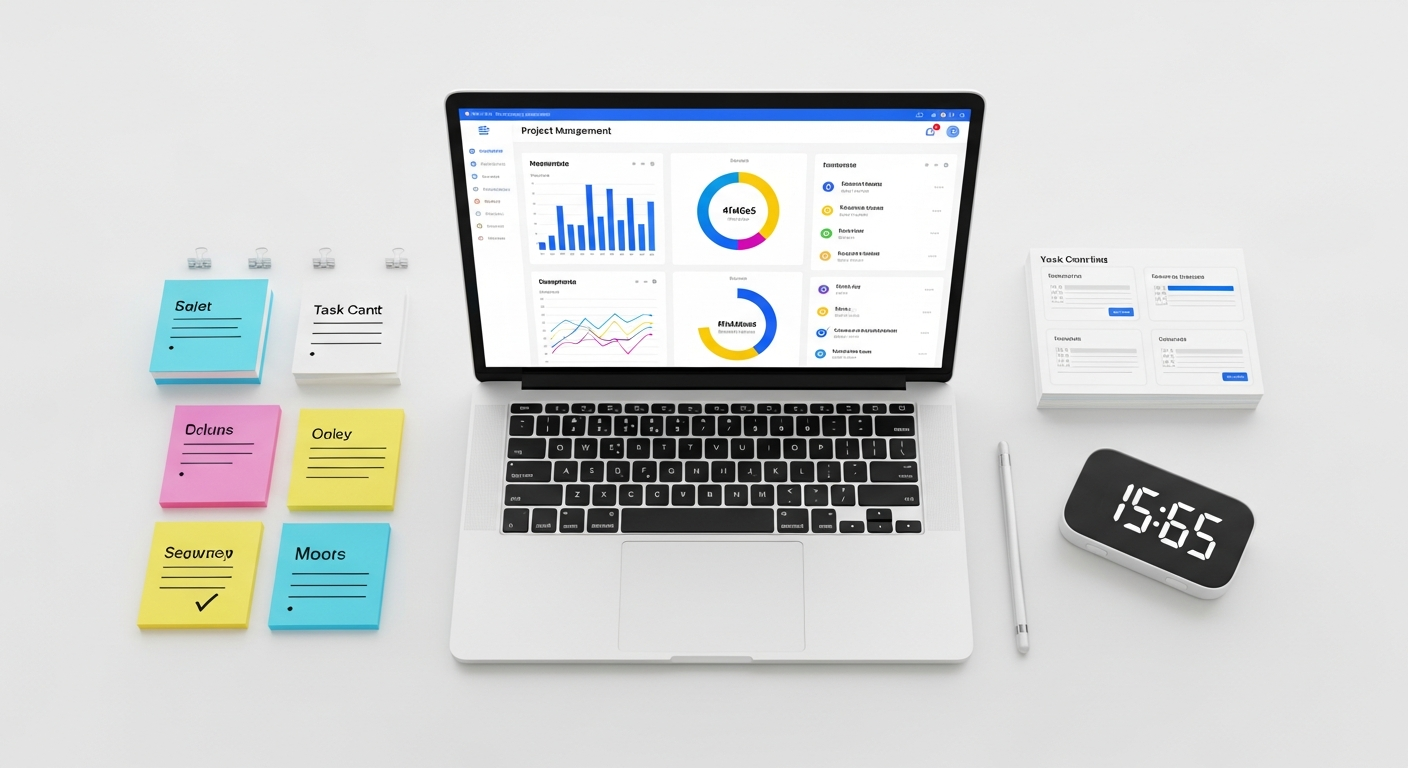
The Best Project Management Software of 2026: Tools for Agile Teams
We’ll cut through the noise to identify platforms that offer not just robust features but also the foresight to support your team’s evolving needs, ensuring your projects remain on track, under budget, and ahead of the curve. Prepare to discover the next generation of project management solutions that are redefining productivity for the modern agile enterprise.
The Evolving Landscape of Project Management in 2026
The year 2026 marks a significant inflection point in how projects are managed. The rapid acceleration of AI and machine learning, coupled with the continued prevalence of hybrid and remote work models, has fundamentally reshaped the expectations placed upon project management software. Traditional tools, once sufficient for sequential, waterfall-style projects, often fall short when confronted with the fluidity and speed demanded by agile methodologies.
Today, teams operate across time zones, collaborate asynchronously, and face an ever-increasing volume of data. The project management tools of 2026 are not merely repositories for tasks; they are intelligent ecosystems designed to:
- Automate Mundane Tasks: AI-driven automation handles routine scheduling, resource allocation, and even initial draft reporting, freeing up project managers for strategic oversight.
- Provide Predictive Insights: Advanced analytics can forecast potential bottlenecks, predict project completion dates with higher accuracy, and identify risks before they materialize. For instance, a platform might analyze historical sprint data to predict velocity for an upcoming sprint with 92% accuracy, significantly aiding planning.
- Enhance Collaboration Across Geographies: Seamless integration with communication platforms, real-time co-editing, and intelligent notification systems ensure all team members, regardless of location, are always in sync. A global tech firm, for example, might use a tool that automatically translates comments in real-time, bridging language barriers for its diverse teams.
- Support Dynamic Resource Management: Tools now leverage AI to optimize resource allocation based on skill sets, availability, and project priority, ensuring the right people are on the right tasks at the right time. This can lead to an average 15% improvement in resource utilization for complex projects.
- Integrate Deeply with the Tech Stack: From CI/CD pipelines to CRM and financial software, the best project management software offers unparalleled integration capabilities, creating a unified operational environment.
In this environment, merely listing tasks on a digital board is no longer enough. Agile teams need platforms that act as intelligent co-pilots, anticipating needs, streamlining processes, and providing the clarity required to navigate complex projects successfully. This shift defines what constitutes truly effective project management in 2026.
Key Features Defining Top Project Management Software for Agile Teams
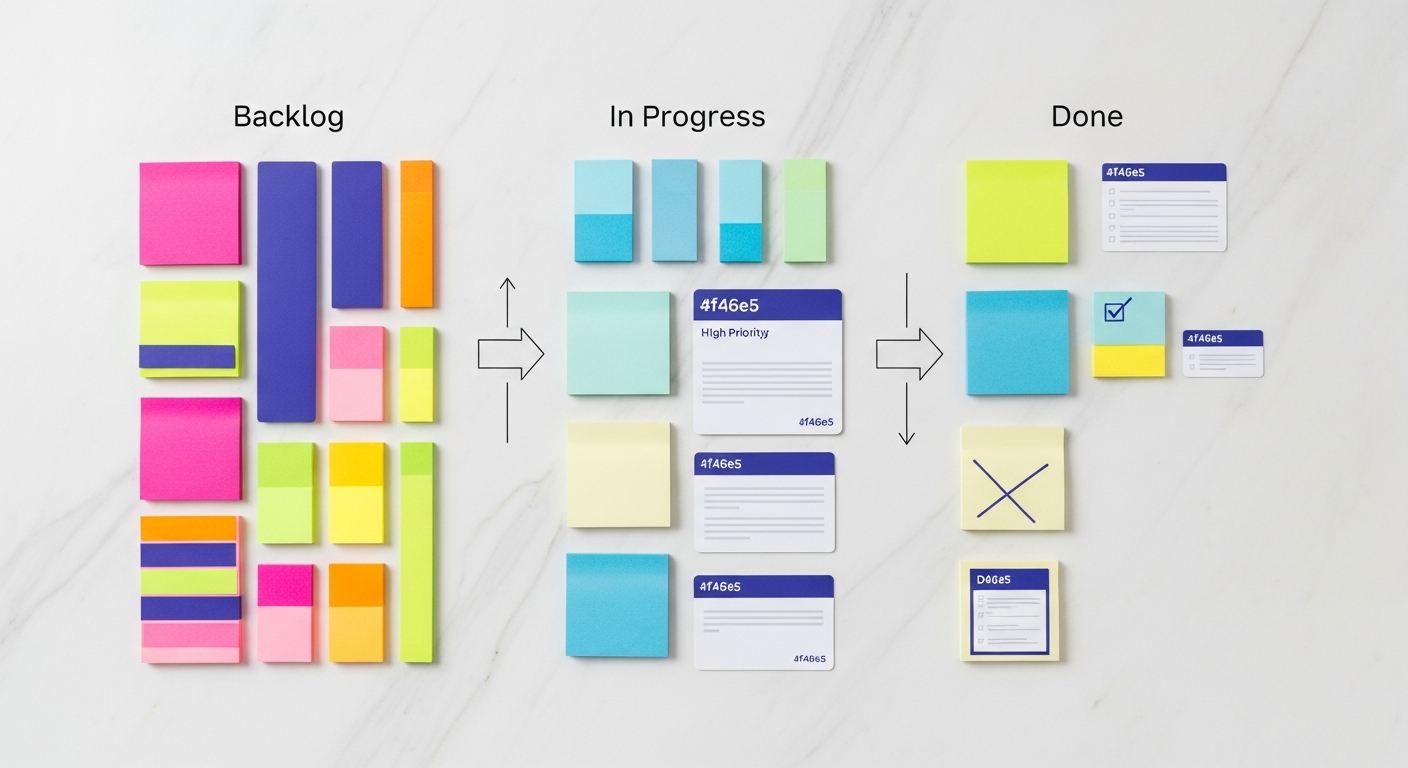
For agile teams, the definition of “best” isn’t about the most features, but the most relevant and effective features for their specific workflows. In 2026, the leading project management software solutions excel in providing robust support for Scrum, Kanban, Scrumban, and other iterative methodologies. Here are the critical features to prioritize:
- Flexible Board Views (Scrum & Kanban):
- Requirement: The ability to visualize work in various agile formats. This includes customizable Kanban boards for continuous flow and Scrum boards for sprint-based development, featuring columns like “To Do,” “In Progress,” “Review,” and “Done.”
- 2026 Enhancement: AI-powered board optimization suggesting column changes based on team blockers or automated swimlane creation for specific initiatives.
- Practical Tip: Ensure the software allows for easy drag-and-drop task movement, quick status updates, and filtering by assignee, priority, or epic. Look for tools that offer burndown and burnup charts directly from these boards to track sprint progress in real-time.
- Sprint Planning & Backlog Management:
- Requirement: Dedicated modules for grooming the product backlog, prioritizing user stories, and planning sprints. This includes capacity planning tools to prevent over-commitment.
- 2026 Enhancement: Predictive analytics suggesting story point estimations based on historical team velocity and AI-assisted backlog prioritization that weighs dependencies and business value.
- Practical Tip: A robust tool will allow you to break down epics into user stories, link them to specific sprints, and easily adjust priorities. Test how intuitively you can create and manage sprints, ensuring it aligns with your team’s rhythm.
- Advanced Collaboration & Communication:
- Requirement: Integrated communication channels (comments, mentions, direct messaging) linked directly to tasks, ensuring context is never lost.
- 2026 Enhancement: AI-driven sentiment analysis in comments to flag potential team friction, automated meeting summaries, and dynamic content sharing (e.g., embedding Figma designs or code snippets directly into tasks).
- Practical Tip: Evaluate if the software supports asynchronous communication effectively. Can team members leave detailed comments, attach relevant files, and get real-time notifications without overwhelming their inboxes?
- Reporting & Analytics for Agile Metrics:
- Requirement: Dashboards that display key agile metrics like sprint velocity, lead time, cycle time, cumulative flow diagrams, and control charts.
- 2026 Enhancement: AI-generated insights into team performance trends, anomaly detection in velocity, and automated suggestions for process improvements based on data analysis. Imagine a report that not only shows you a dip in velocity but also hypothesizes the reasons and suggests corrective actions.
- Practical Tip: Look for customizable dashboards that allow project managers to quickly grasp the health of a sprint or project. The ability to export these reports or share them with stakeholders is also crucial.
- Integrations with Development & Business Tools:
- Requirement: Seamless connectivity with popular development tools (GitHub, GitLab, Bitbucket), communication platforms (Slack, Microsoft Teams), design tools (Figma, Adobe XD), and CRM/ERP systems.
- 2026 Enhancement: Deeper, bi-directional integrations with AI-driven workflow automation. For example, a code commit in GitHub could automatically update a task status, trigger a test, and notify the QA team within the project management tool.
- Practical Tip: Map out your existing tech stack and verify that your chosen PM software integrates cleanly with at least your core tools. Native integrations are generally preferred over third-party connectors for stability and feature depth.
- Scalability & Customization:
- Requirement: The ability to adapt to team growth and evolving project complexities, offering customizable workflows, fields, and permissions.
- 2026 Enhancement: Low-code/no-code workflow builders that allow non-technical project managers to create complex automation rules and tailor the platform precisely to their unique processes.
- Practical Tip: Consider your future needs. Will the software support multiple teams, departments, or even cross-organizational projects? Can you create custom fields to track specific data points relevant to your industry?
By focusing on these sophisticated features, agile teams can select a project management software that not only supports their current operations but also future-proofs their ability to innovate and deliver in the fast-paced environment of 2026 and beyond.
Deep Dive into the Best Project Management Software of 2026
Having explored the essential features, let’s dive into the platforms that stand out as the best project management software for agile teams in 2026. Each offers a unique blend of capabilities, catering to different team sizes, complexities, and specific needs.
1. Jira Software (Atlassian)
Overview: Jira remains the undisputed heavyweight champion for software development teams embracing agile. By 2026, its evolution includes even deeper AI integrations and a more refined UX, solidifying its position as the go-to for complex agile frameworks like Scrum and SAFe. Its power lies in its deep configurability and robust ecosystem of integrations.
- Pros:
- Unparalleled Agile Support: Dedicated Scrum and Kanban boards, robust backlog management, sprint planning, customizable workflows, and powerful reporting for velocity, burndown, and epic progress.
- AI-Powered Forecasting (2026): Jira’s 2026 iteration boasts advanced AI for sprint velocity prediction, resource allocation suggestions based on historical data, and automated dependency detection across multiple teams. A tech giant reported reducing critical path risk by 18% using Jira’s AI-driven project risk assessment.
- Extensive Integrations: Deep native integrations with developer tools (Bitbucket, GitHub), CI/CD pipelines, and a vast marketplace of third-party add-ons.
- Scalability: Designed to handle projects of any scale, from small startups to massive enterprises with thousands of users.
- Cons:
- Steep Learning Curve: Its immense power and customizability can be overwhelming for new users or less technical teams.
- Cost: Can become expensive for large teams, especially with numerous add-ons.
- UI Complexity: While improved, its user interface can still feel clunky compared to more modern, visually-driven tools.
- Best For: Software development teams, large enterprises, complex agile frameworks (Scrum, Kanban, SAFe), and organizations requiring deep technical integrations and highly customizable workflows.
- Actionable Tip: Leverage Jira’s advanced automation rules (e.g., “If story is moved to ‘Done’, then notify QA team and update linked documentation”). Explore the AI-powered sprint planning suggestions to optimize your next sprint’s scope.
2. Asana
Overview: Asana has evolved from a simple task manager into a comprehensive work management platform by 2026, particularly excelling in cross-functional collaboration and operationalizing business processes beyond just software development. It offers a cleaner, more intuitive interface than Jira, making it appealing for a broader range of teams.
- Pros:
- Exceptional User Experience: Renowned for its intuitive interface, making it easy for non-technical teams to adopt and use effectively.
- Versatile Project Views: Offers lists, boards (Kanban), timelines (Gantt-like), and calendars, allowing teams to visualize work in the way that best suits them. This flexibility supports agile-lite and hybrid methodologies effectively.
- Robust Collaboration: Strong emphasis on team communication with task-specific comments, proofing, and integrated messaging. By 2026, Asana includes AI-powered summary generation for lengthy comment threads.
- Automated Workflows (2026): Asana Intelligence now offers advanced automation beyond basic rules, including AI-suggested task breakdowns and smart task routing based on historical completion patterns. One marketing agency reduced campaign launch delays by 10% through Asana’s automated approval workflows.
- Cons:
- Less Developer-Centric: While it supports agile, it lacks the deep developer-specific features and integrations found in Jira out-of-the-box.
- Reporting Limitations: Basic reporting compared to dedicated agile tools, though continually improving.
- Cost for Advanced Features: Many essential features for scaling teams are locked behind higher-tier plans.
- Best For: Marketing teams, product management, operations, HR, cross-functional teams, and organizations seeking a user-friendly platform for general work management that can adapt to agile principles.
- Actionable Tip: Utilize Asana’s Portfolio and Goals features to connect daily tasks directly to company objectives, providing a clear line of sight from strategic vision to individual effort.
3. monday.com
Overview: monday.com, by 2026, has solidified its reputation as a highly visual, flexible, and powerful Work OS (Operating System) that can be molded to fit virtually any team or project, including diverse agile workflows. Its strength lies in its intuitive design and extensive customization options, often appealing to teams who find more rigid tools too restrictive.
- Pros:
- Highly Visual & Intuitive: Excellent user interface with color-coding, multiple views (Kanban, Gantt, Table, Calendar, Files), and drag-and-drop functionality, making complex projects easy to understand.
- Extreme Customization: Users can build virtually any workflow, board, or dashboard from scratch, adapting it precisely to their agile ceremonies, from sprint planning to retrospective tracking.
- AI-Powered Insights (2026): monday.com’s AI leverages board data to suggest optimal sprint lengths, identify potential resource conflicts before they occur, and even draft initial project summaries. A creative agency optimized its content pipeline by 20% using monday.com’s AI-driven content calendar suggestions.
- Robust Automation: A powerful, easy-to-use automation builder (low-code/no-code) allows teams to automate routine tasks, notifications, and dependencies.
- Strong Integrations: Connects with hundreds of popular apps, enhancing its versatility across different tech stacks.
- Cons:
- Can Get Pricey: The cost can escalate quickly for larger teams or those requiring advanced features.
- Feature Overload: While flexible, the sheer number of options can sometimes be overwhelming for new users trying to set up their first agile board.
- Performance on Very Large Boards: Some users report slight performance dips on boards with thousands of items.
- Best For: Hybrid agile teams, creative agencies, marketing departments, consulting firms, and organizations that prioritize visual clarity and extreme flexibility in their project management.
- Actionable Tip: Explore monday.com’s “Workflows” to automate repetitive agile processes, such as automatically moving a task to “Review” when all subtasks are complete, or notifying the Product Owner when a new user story is added to the backlog.
4. ClickUp
Overview: ClickUp in 2026 truly lives up to its “one app to replace them all” mantra. It has become an incredibly powerful, all-in-one productivity platform that, while catering to virtually any methodology, offers extensive features for agile teams looking for a single source of truth for all their work.
- Pros:
- Hyper-Customizable: Offers an unprecedented level of customization, from custom statuses and fields to flexible hierarchies (Spaces, Folders, Lists, Tasks). It can be configured for Scrum, Kanban, or any hybrid approach.
- “Everything” Views: Provides over 15 customizable views, including List, Board (Kanban), Calendar, Gantt, Table, Box, Mind Map, Workload, and Whiteboards, catering to every agile ceremony and reporting need.
- AI-Powered Assistant (2026): ClickUp AI assists with generating task descriptions, summarizing lengthy discussions, creating meeting agendas, and even drafting initial project plans. A lean startup used ClickUp AI to draft 70% of their initial user stories, significantly accelerating product ideation.
- Robust Integrations & Automation: Connects with hundreds of popular tools and offers powerful native automation features, including conditional logic.
- Value for Money: Often perceived as offering a vast array of features at a more competitive price point compared to some enterprise solutions.
- Cons:
- Learning Curve: Its immense feature set and flexibility can be intimidating initially, requiring dedicated time for setup and training.
- Performance: Some users report occasional slowness or bugs, especially with very large workspaces, though stability has significantly improved by 2026.
- Feature Bloat: The sheer volume of features can sometimes feel overwhelming, potentially distracting from core tasks if not configured carefully.
- Best For: Growing startups, small to medium-sized businesses, teams seeking an all-in-one productivity hub, and organizations that value extreme customization and a vast feature set for diverse agile and non-agile projects.
- Actionable Tip: Leverage ClickUp’s “Gantt” view for visualizing sprint backlogs and dependencies, and combine it with the “Workload” view to ensure optimal resource allocation across your agile sprints.
5. Smartsheet
Overview: Smartsheet in 2026 is a dynamic work management platform that bridges the gap between traditional spreadsheets and full-fledged project management software. It’s particularly strong for complex, data-driven projects that require robust reporting, automation, and enterprise-grade security, making it suitable for hybrid agile environments or agile projects needing strong financial or compliance oversight.
- Pros:
- Spreadsheet-Like Familiarity: Its grid interface makes it immediately familiar to users accustomed to Excel, easing adoption, yet it boasts far more powerful project management capabilities.
- Robust Automation & Workflows: Strong automation engine for alerts, requests, approvals, and dynamic task assignments. By 2026, Smartsheet’s AI provides intelligent workflow suggestions based on usage patterns.
- Powerful Reporting & Dashboards: Excellent for creating detailed, customizable reports and dashboards, perfect for executive-level visibility and tracking key agile metrics alongside other business KPIs. A financial services firm tracks 12 key compliance milestones across 5 agile teams using Smartsheet’s live dashboards.
- Enterprise-Grade Features: Strong security, governance, and user management capabilities, making it ideal for large organizations.
- Dynamic Resource Management (2026): Offers advanced resource management capabilities, including AI-driven resource leveling and predictive scheduling, crucial for large programs with shared resources.
- Cons:
- Less Native Agile-Specific Views: While highly configurable, it doesn’t offer native Scrum/Kanban boards as prominently as Jira or monday.com, requiring more setup to mimic these views.
- User Interface: Can feel less modern and visually engaging than tools like monday.com, particularly for creative teams.
- Cost: Tends to be on the higher end, especially for smaller teams not needing its enterprise-level features.
- Best For: Large enterprises, project portfolio management (PPM), hybrid agile teams requiring strong reporting and automation, teams managing complex projects with extensive data or compliance requirements, and those comfortable with a spreadsheet-like interface.
- Actionable Tip: Use Smartsheet’s “Card View” (its equivalent of a Kanban board) to visualize your sprint backlog. Combine this with automated alerts to ensure team members are notified of status changes, preventing manual check-ins.
AI’s Impact on Project Management Software in 2026
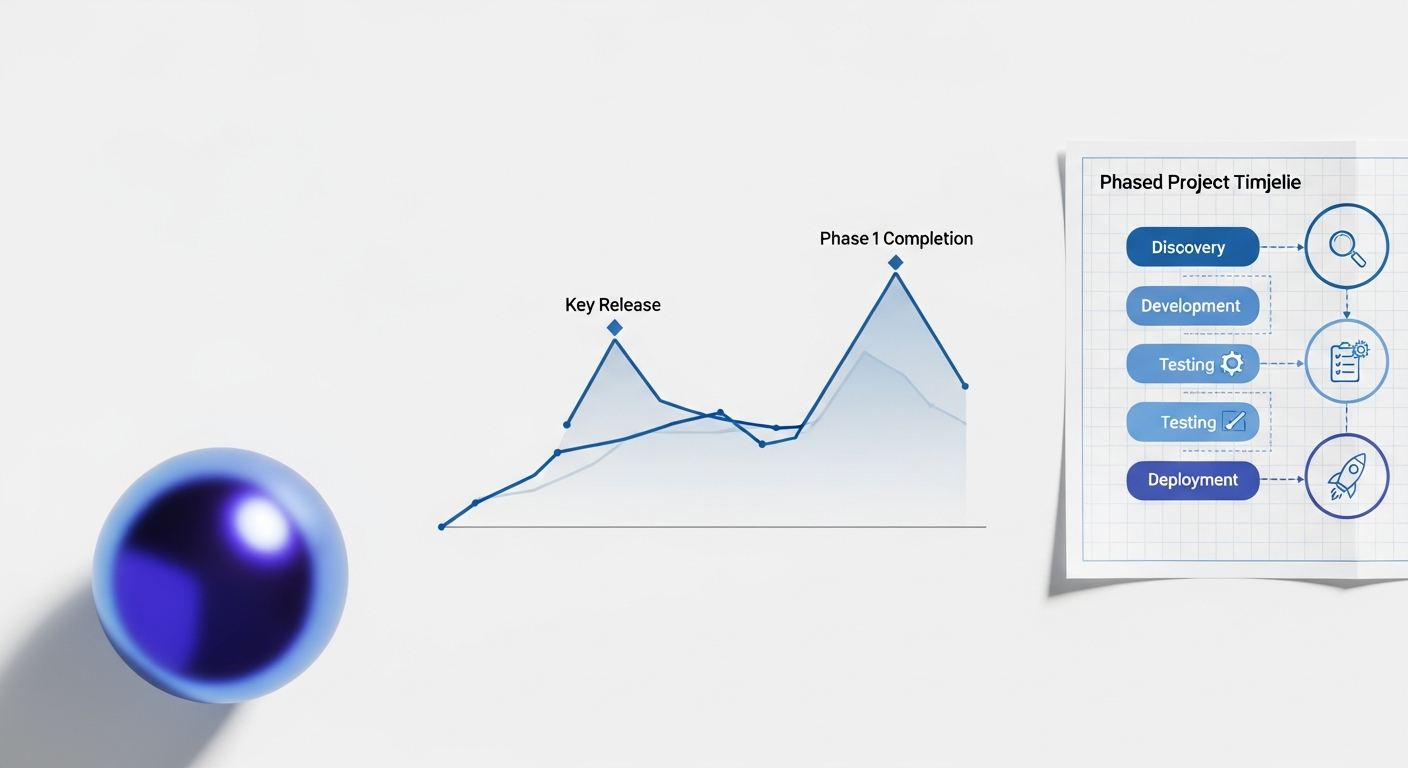
Artificial Intelligence is no longer a futuristic concept but a foundational component of the best project management software in 2026. Its integration has moved beyond simple automation, transforming how agile teams plan, execute, and adapt. Here’s how AI is making a tangible difference:
- Predictive Analytics for Risk & Scheduling: AI models analyze historical project data, team performance, and external factors to predict potential delays, resource conflicts, and budget overruns with unprecedented accuracy. For instance, an AI might flag a 15% probability of a sprint delay if a specific team member is overloaded, allowing a project manager to reallocate tasks proactively.
- Automated Task Assignment & Resource Optimization: Leveraging machine learning, software can intelligently suggest or even assign tasks based on individual skill sets, availability, historical performance, and current workload. This dramatically reduces planning time and optimizes resource utilization by up to 20% in some cases.
- Intelligent Meeting Summaries & Action Item Extraction: AI-powered assistants can transcribe meeting discussions, summarize key points, identify action items, and even assign them to relevant team members, significantly reducing post-meeting administrative overhead.
- Natural Language Processing (NLP) for Reporting & Insights: Project managers can query their project data using natural language, receiving instant, data-driven insights. “Show me all user stories that are blocked and assigned to John” or “Generate a report on sprint velocity trends for the last three months” become simple voice or text commands.
- Sentiment Analysis for Team Health: AI monitors communication within the platform, identifying patterns or keywords that might indicate team stress, low morale, or potential conflicts, providing early warnings to project leaders to intervene constructively.
- Automated Documentation & Knowledge Management: AI can assist in generating initial drafts of project documentation, updating knowledge bases based on project changes, and even suggesting relevant articles or resources to team members based on their current task.
Practical Steps to Leverage AI Features:
- Embrace Data: Ensure your team consistently inputs accurate data into the PM software. AI thrives on data, and the more comprehensive and clean your data, the better its predictions and insights will be.
- Start Small with Automation: Begin by automating simple, repetitive tasks (e.g., status updates, notifications) to build confidence and understand the capabilities of your tool’s AI.
- Review AI Suggestions Critically: While powerful, AI is a tool, not a replacement for human judgment. Always review AI-generated task assignments, predictions, and summaries, adjusting as necessary based on your team’s unique context.
- Provide Feedback: Many AI systems learn from user feedback. If an AI suggestion is particularly helpful or unhelpful, provide that input to improve its performance over time.
- Train Your Team: Educate your agile team on how AI features work and how they can best interact with them. This fosters adoption and ensures everyone benefits from the intelligent assistance.
AI’s integration into project management software is making agile teams more efficient, predictive, and resilient, allowing them to focus more on innovation and less on administrative burdens.
Choosing the Right Project Management Software for Your Agile Team
Selecting the ideal project management software in 2026 for your agile team is a critical decision that impacts productivity, collaboration, and ultimately, project success. Given the multitude of advanced options, a systematic approach is essential. Here’s a practical guide:
1. Conduct a Thorough Needs Assessment:
- Agile Methodology: What specific agile framework(s) do you use (Scrum, Kanban, SAFe, Scrumban, hybrid)? Ensure the software natively supports or can be easily configured for your chosen methodology.
- Team Size & Structure: Are you a small startup, a medium-sized department, or a large enterprise with multiple distributed teams? Some tools scale better than others.
- Project Complexity: Do you manage simple task lists, complex software development cycles with intricate dependencies, or large-scale portfolio management?
- Specific Features: List your absolute must-have features (e.g., sprint planning, burndown charts, AI-driven predictions, specific integrations, custom reporting). Differentiate between “must-haves” and “nice-to-haves.”
2. Evaluate Budget & Pricing Models:
- Per-User vs. Tiered: Understand how each platform charges. Some offer per-user pricing, while others have tiered plans based on features and user counts.
- Hidden Costs: Account for potential costs of add-ons, integrations, training, and premium support.
- ROI: Consider the long-term return on investment in terms of improved efficiency, reduced errors, and faster delivery cycles.
3. Assess Integration Requirements:
- Existing Tech Stack: Map out all critical tools your team currently uses (e.g., Git repositories, communication platforms like Slack/Teams, CRM, ERP, design tools).
- Native vs. Third-Party: Prioritize native integrations where possible, as they tend to be more robust and reliable. Ensure essential data flows seamlessly between your core systems.
- API Access: If your needs are highly specific, check for robust API documentation to allow for custom integrations.
4. Prioritize User Experience & Adoption:
- Intuitive Interface: A powerful tool is useless if no one on your team uses it. Opt for a clean, intuitive interface that reduces the learning curve.
- Customization vs. Simplicity: Strike a balance between a tool that is flexible enough to meet your needs and one that doesn’t overwhelm users with too many options.
- Training & Support: Evaluate the vendor’s documentation, tutorials, and customer support. Will they provide the resources needed for successful adoption?
5. Consider Scalability and Future-Proofing:
- Growth Potential: Will the software grow with your team and organization? Can it handle increasing project volumes or more complex structures down the line?
- Innovation Roadmap: Look into the vendor’s commitment to innovation, especially regarding AI, automation, and emerging technologies. The best project management software in 2026 should already be thinking about 2027 and beyond.
6. Utilize Free Trials and Pilot Programs:
- Hands-On Testing: Never commit to a platform without a thorough trial. Use the free trial period to run a small, actual agile project.
- Involve End-Users: Get feedback from a diverse group of team members (developers, QA, product owners, scrum masters) during the trial to gauge usability and fit.
By systematically addressing these points, your agile team can confidently select a project management software that not only streamlines current operations but also empowers future growth and innovation.
Future Trends Beyond 2026: The Next Frontier
While we’ve focused on the best project management software of 2026, the pace of technological evolution ensures that the landscape will continue to shift dramatically. Looking ahead, several emerging trends will shape the next generation of project management tools:
- Hyper-Personalized AI Assistants: Beyond current AI capabilities, future PM software will feature deeply personalized AI assistants. These assistants will learn individual work habits, preferences, and even emotional states (through subtle biometric/contextual analysis, with privacy safeguards) to proactively offer support, manage interruptions, and optimize task flow for each team member. Imagine an AI that knows you focus best in the mornings and schedules your most complex tasks then, while holding non-urgent notifications.
- Advanced Virtual and Augmented Reality for Collaboration: While some VR/AR tools exist, their integration into project management will become seamless. Teams will conduct daily stand-ups, sprint reviews, and brainstorming sessions in immersive virtual environments, interacting with 3D project models, digital whiteboards, and holographic data visualizations. This will revolutionize remote collaboration, making it feel more integrated and intuitive.
- Ethical AI and Bias Mitigation: As AI becomes more autonomous in project decisions (e.g., resource allocation, risk assessment), the ethical implications will come to the forefront. Future PM software will incorporate robust mechanisms for bias detection and mitigation within its AI algorithms, ensuring fairness, transparency, and accountability in automated decisions. Auditable AI decision paths will be standard.
- Quantum Computing’s Influence: While still nascent, quantum computing holds the potential to solve incredibly complex optimization problems that are currently intractable. This could lead to instantaneous, perfectly optimized project schedules, resource allocations across vast portfolios, and risk assessments that consider billions of variables simultaneously, far beyond the predictive power of 2026 AI.
- No-Code/Low-Code Platforms as the Default: The ability for anyone, regardless of technical skill, to build and customize sophisticated project workflows will become the norm. This democratizes powerful automation and ensures that project management tools can be perfectly tailored to unique team needs without developer intervention.
- Integrated Mental Wellness & Productivity Monitoring: With growing awareness of employee well-being, future PM tools may integrate features that subtly monitor workload, stress indicators (based on activity patterns), and suggest breaks or reallocations to prevent burnout, while prioritizing user privacy and control.
These trends suggest a future where project management software becomes even more intelligent, immersive, and integrated into the very fabric of how work is conceived and delivered, pushing the boundaries of what agile teams can achieve.
Conclusion
The journey to finding the best project management software for your agile team in 2026 is an investment in your organization’s future. We’ve explored a landscape where AI-driven insights, seamless collaboration, and unparalleled flexibility are no longer luxuries but necessities. Tools like Jira, Asana, monday.com, ClickUp, and Smartsheet each offer compelling capabilities, catering to diverse needs from highly technical software development to cross-functional operational management.
The key takeaway is that the “best” tool isn’t a universal constant; it’s the one that most perfectly aligns with your team’s specific agile methodology, scale, budget, and integration ecosystem. By prioritizing core agile features, leveraging the transformative power of AI, and carefully evaluating each platform against your unique requirements, you can empower your teams to not just manage projects, but to truly innovate and excel.
Don’t let outdated tools hold your agile team back. Take the next step: explore the free trials of the platforms discussed, conduct a pilot project with your top contenders, and experience firsthand how the right project management software can revolutionize your workflow and drive unprecedented success in 2026 and beyond.
Frequently Asked Questions